MUST WATCH
PREVIEW
ALL END SCREEN


acbrother.com





















So in the that video whe are going to create channel trailer


WATCH
PREVIEW






WELCOME TO AC BROTHER WEBSITE
👇🏻👇🏻👇🏻👇🏻👇🏻👇🏻👇🏻👇🏻👇🏻👇🏻👇🏻👇🏻

So friend welcome in that website so this website owner is Abhishek and Aditya show this channel is very good this is my channel and this website is also create for that channel this channel link visit channel from that
https://www.youtube.com/channel/UCKNRt9nkiz2XA5xxe81OIdw


TUTORIAL OF THIS PHOTO

- So friend WELCOME in the website this is my youtube channel link subscribe this also
- https://www.youtube.com/channel/UCKNRt9nkiz2XA5xxe81OIdw
- This is my website owner is abhishek chaturvedi and aditya chaturvedi
- Download the kinemaster mod apk
DOWNLOAD KINEMASTER
YouTube video
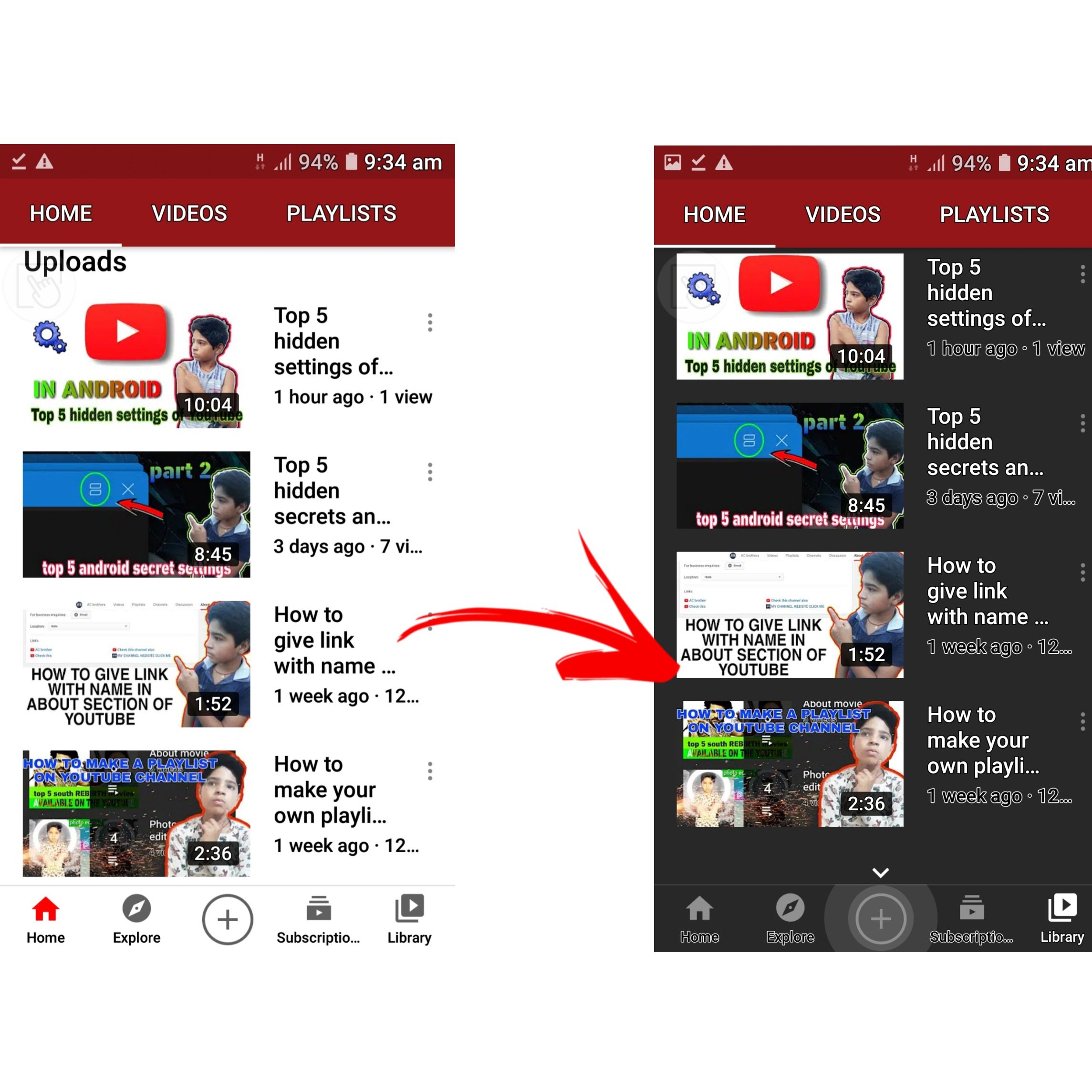
Change youtube theme If you want to enable the dark theme so you have to click on your YouTube icon and then you have to click in the settings then you have to click on general then you have to enable dark theme
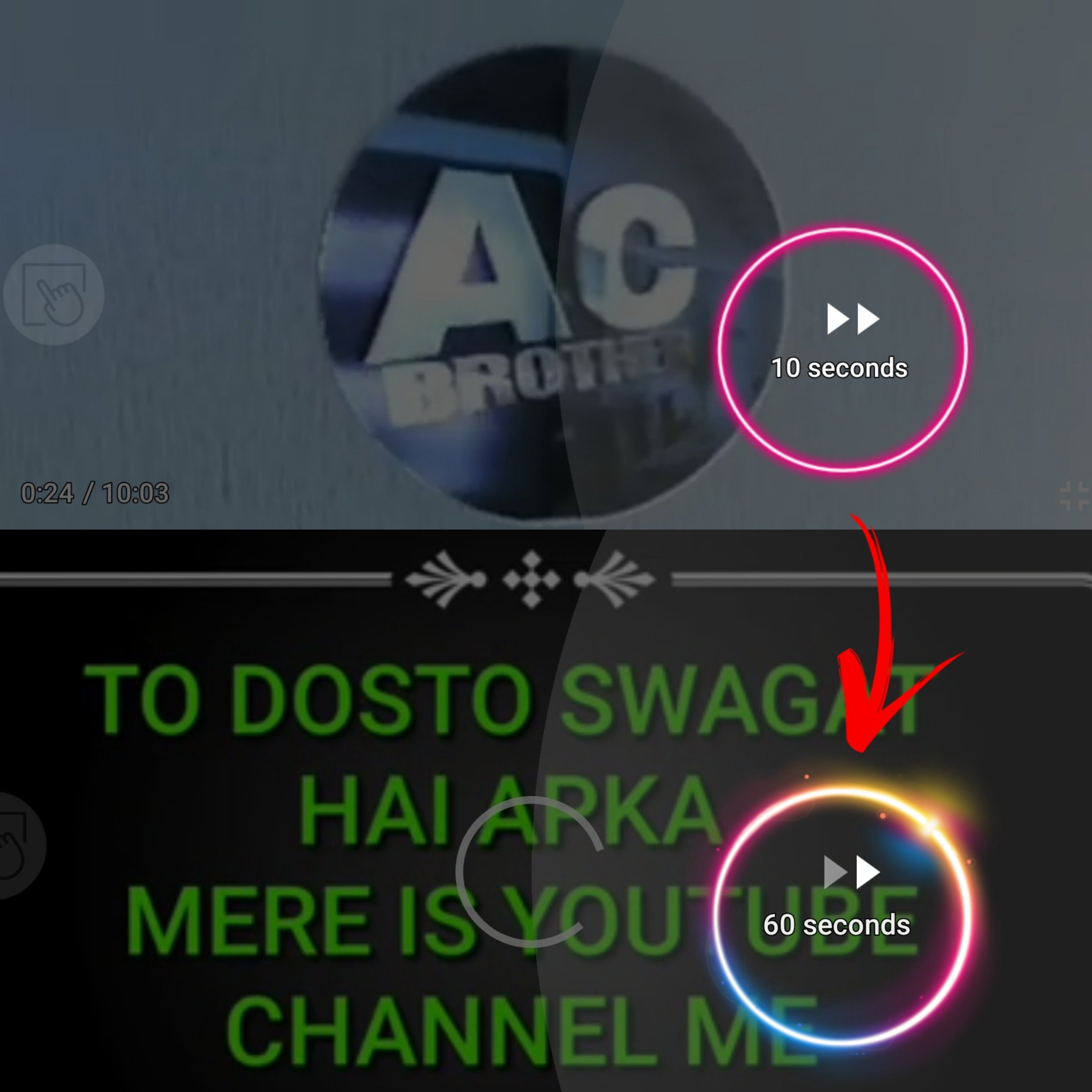
You are know If we open any video on YouTube and double tap at the side of video so video forward 10 second we can control this time duration so first you have to click on the icon of corner then you have to scroll and go to the general then you find double tap seek and click it and select the time duration you can forward the duration that you want
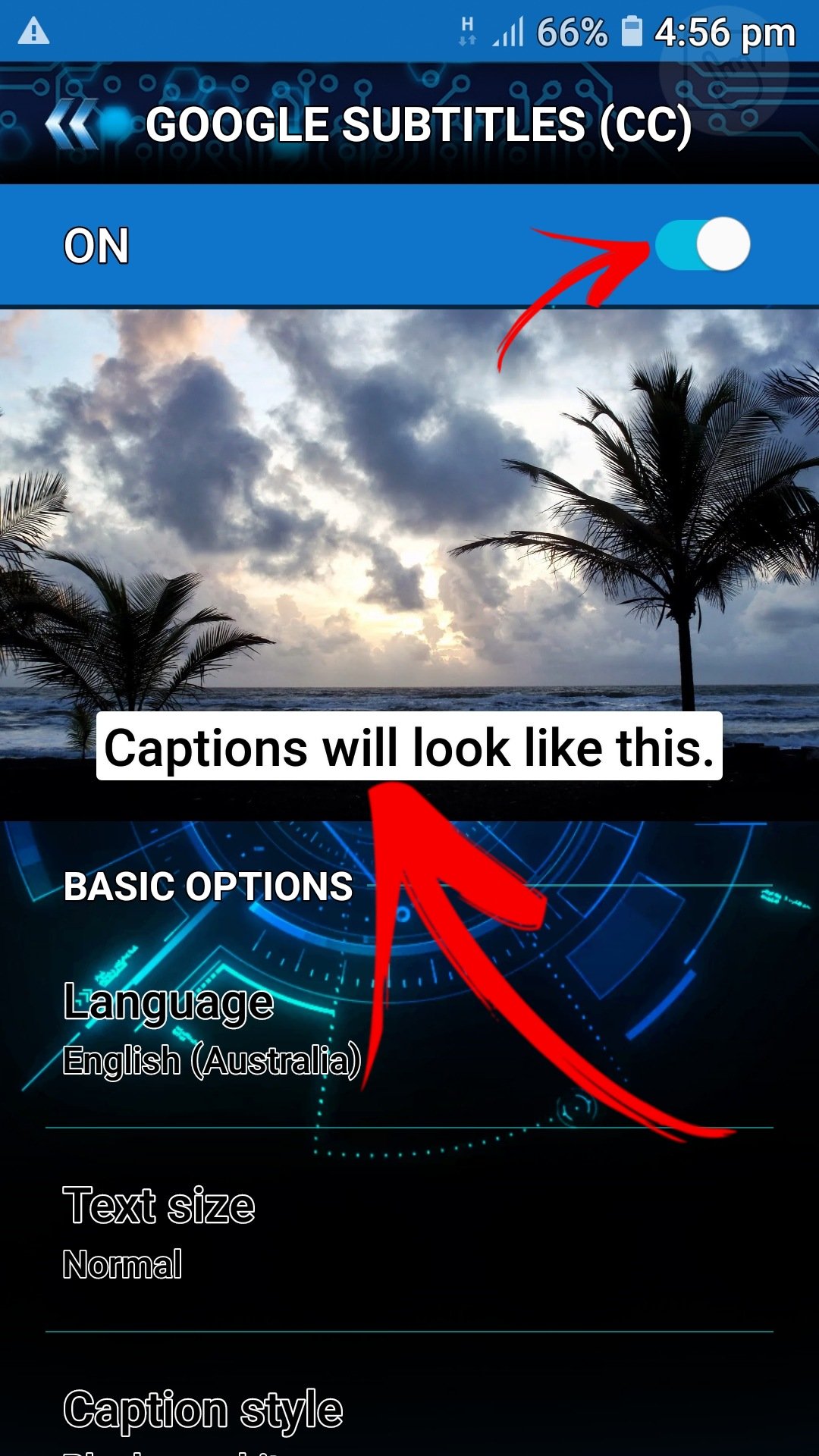
Think that you are seeing the video of English language but you can’t know English and you want to to understand what is happening on YouTube video so this setting help you to understand second language for enable it you have to click on corner icon then setting then click in caption then enable it .
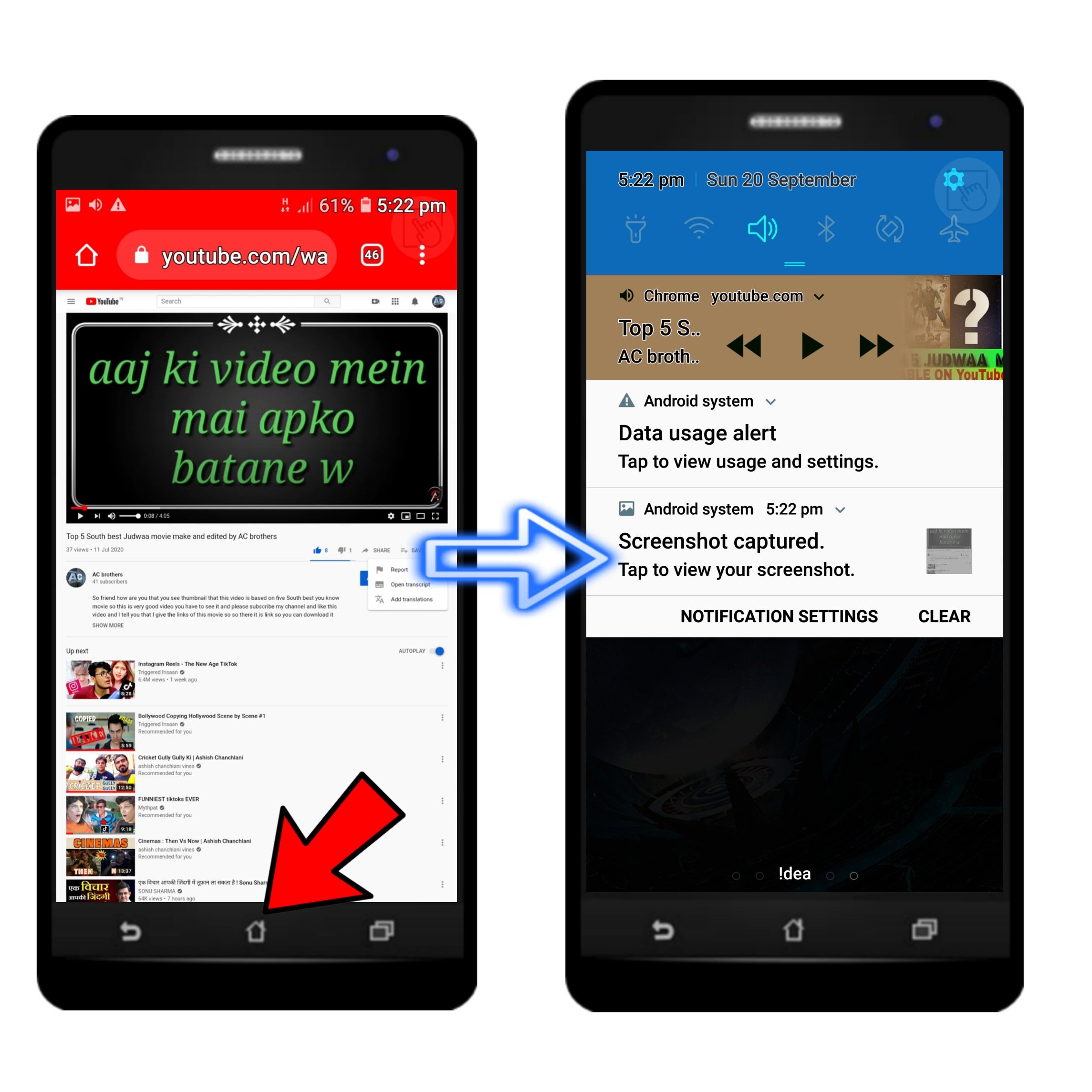
So think that you are playing song on YouTube and you have to do some inportant work you also have to listen the song so this setting is very useful for you. First you have to click on your chrome chrome browser then typehttp://www.youtube.com then click the 3 dot in the corner on the desktop site then open any video you want then click in home button then scroll up in notification tab you can see a audio at there then you can play the video
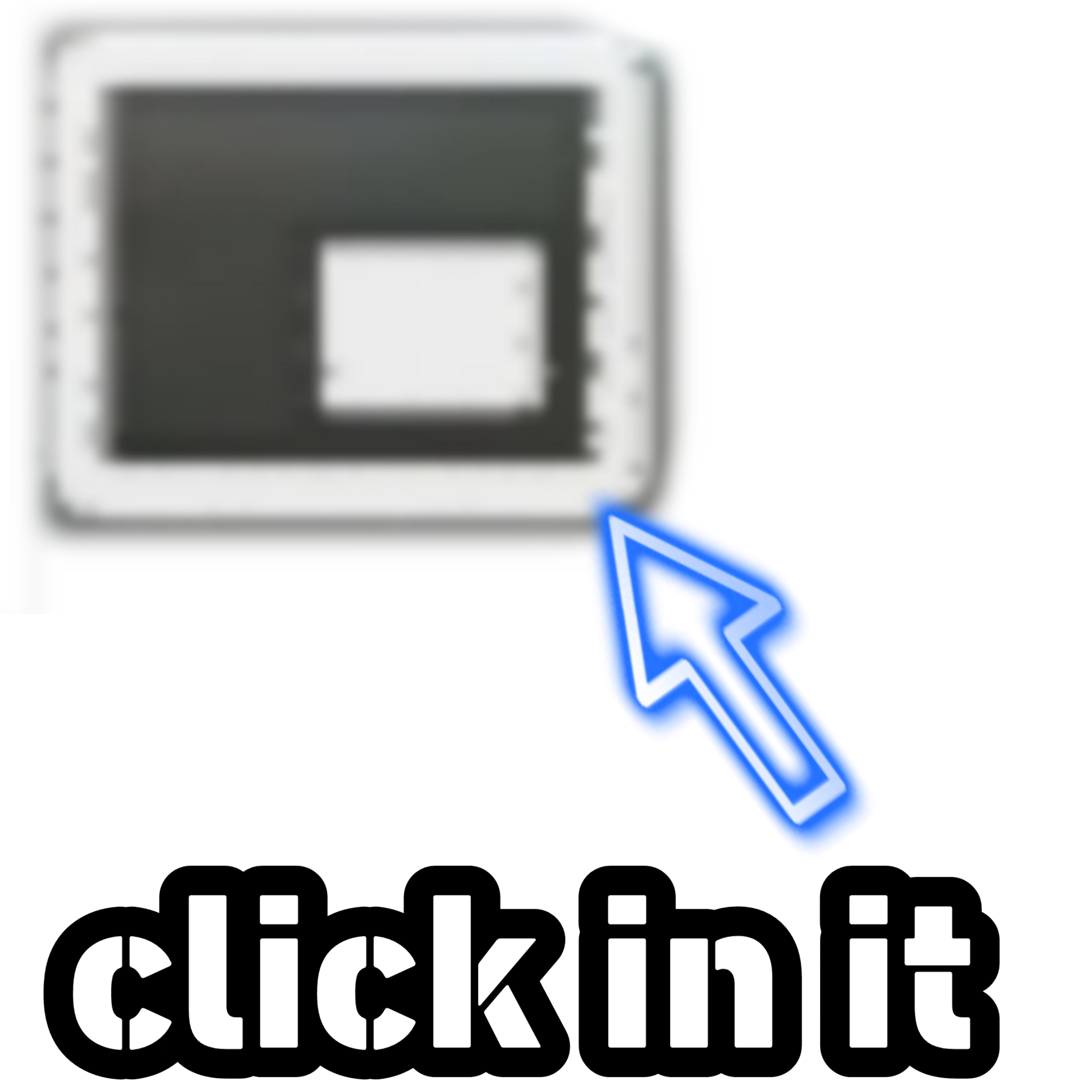
Think you want to play video in short (in mobile home screen)so you have open Google crome then 3 dot then destop site play any video then you find one icon like this

Download lightroom ☝️

DOWNLOAD PICSART

DOWNLOAD SNAPTUBE


DOWNLOAD AZ SCREEN RECORDER
So in this video i tell you about top 4 amazing website of chrome working on mobile
This the link of website